- Get link
- X
- Other Apps
Best YouTube Video Creator Software
Movavi Video Editor Plus

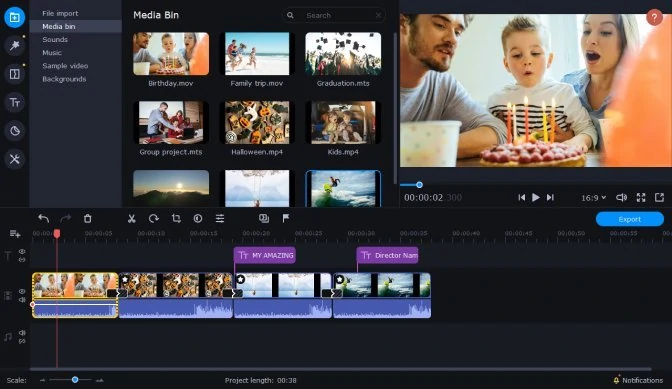 Movavi Video Editor Plus is a great video-editing tool for creative minds. Thanks to a wide range of features, you can realize any of your ideas for your YouTube videos. Split screen or overlay videos, make unique intros and outros, add and animate titles. Use Chroma Key to change the background of your video to anything you want. Add thematic stickers and stunning transitions, music and voiceover.
Platform: Windows, Mac
Pros
- User-friendly interface.
- Advanced features (chroma key, keyframe animation, etc.).
- Fast processing.
Cons
- It applies a watermark in the trial version.

Movavi Video Editor Plus
Your next step in video-making
- Edit video clips, images, and audio on a timeline
- Add transitions, filters, titles, and stickers
- Animate objects using keyframes, use more built-in media
- Export videos in any popular format


AVS Video Editor
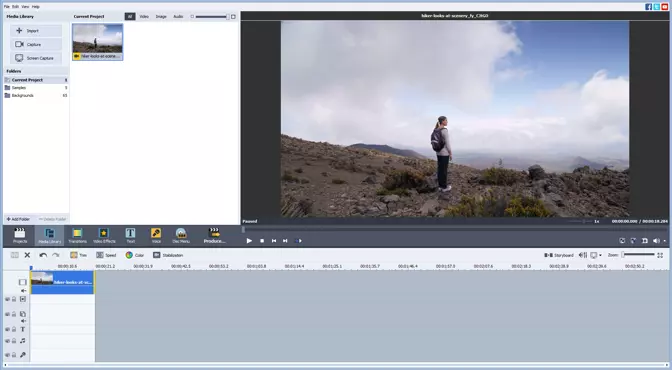 AVS Video Editor is easy-to-use video-editing software. The program provides all the basic necessary features, including trimming, merging, rotating. Along with video editing, the app also can record computer screen, so if you want to add some webcam footage to YouTube video, it’s a way to go.
Platform: Windows
Pros
- It supports all popular video formats.
- The app supports direct sharing from the app to social media.
Cons
- It doesn’t have multiple editing streams.
- The video editor is available for Windows only.
CyberLink PowerDirector
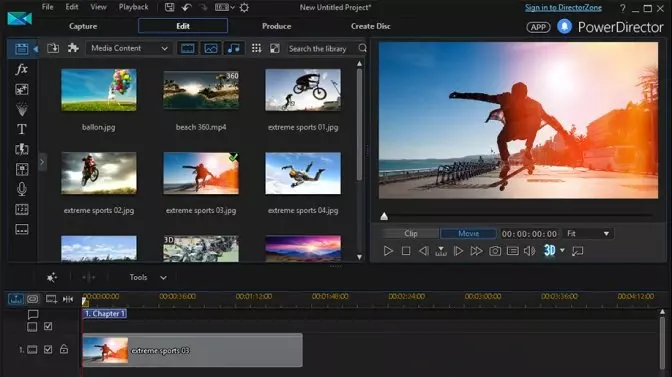 This software provides a ton of powerful features to create stunning videos for YouTube. You can add customized objects, animated titles, and transitions, add a slow-motion effect. Additionally, Cyberlink gives an access to the library of plug-ins, effects, and music.
Platform: Windows, Mac
Pros
- Many creative effects are available.
- There are a lot of helpful tutorials on the official website.
Cons
- The features in free trial are limited.
- The program interface may be confusing for beginners.
Nero Video
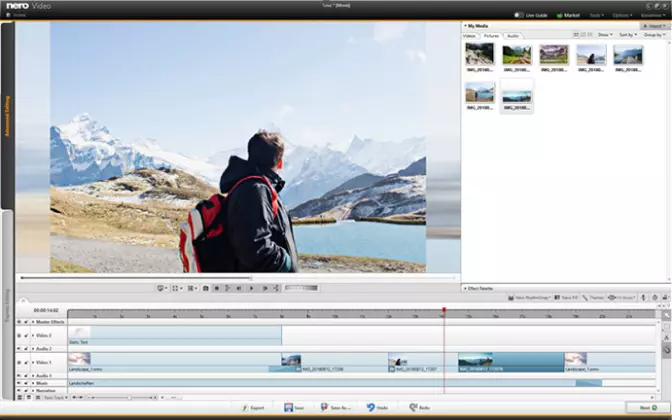 Nero Video is a great choice for beginners – it has a simple interface and basic editing features. You can also use the Live Guide option that will help to navigate the app. Nero Video has over 1000 templates and effects, so you can easily customize videos for your YouTube channel.
Platform: Windows
Pros
- It has a lot of royalty-free music.
- There are plenty of helpful guides in the app.
Cons
- A program interface is outdated.
- You can’t preview video effects.
MAGIX Video Easy
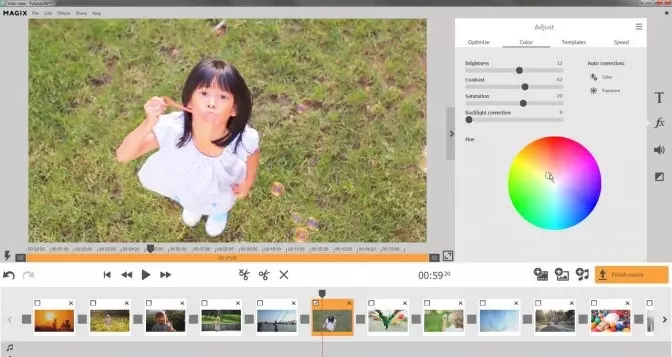 This software is popular for its video effects – you will find plenty of unique lighting options. There is a wide range of templates for intro and outro that you can use to make your video pop. MAGIX supports exporting to YouTube, so you can easily upload a video on your channel straight from the app.
Platform: Windows
Pros
- It has an intuitive user interface.
- It provides a lot of templates.
Cons
- The app is available for Windows only.
- It can’t export files in many popular formats.
Pinnacle Studio
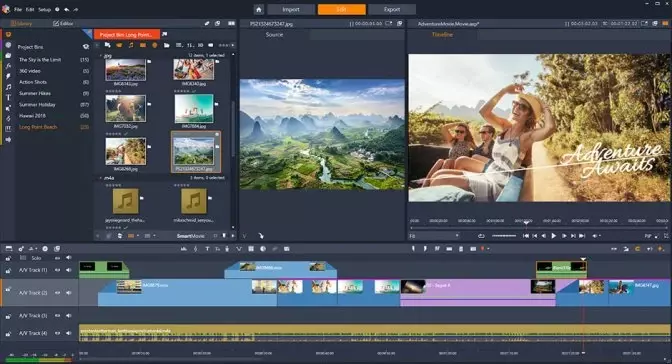 This professional video-editing software is a great option for YouTube content creators. It has a few unique features that other programs on the list don’t have, such as 360 video editing and multi-camera editing.
Platform: Windows
Pros
- The program has more than 1500 filters and effects.
- The screen recording option is available.
Cons
- It’s pricier than other options on the list.
- It can be difficult to use for beginners.
Magisto
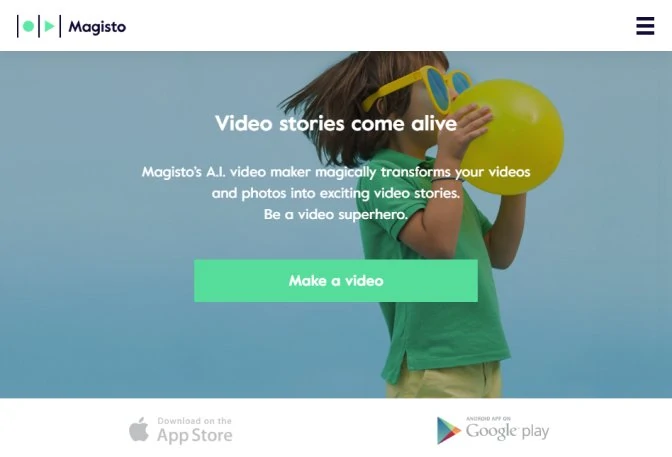 Magisto is one of the best online YouTube video makers which assist you in editing videos. The software is easy to use as all you need to do is upload your video, select the editing style of your choice and put in a soundtrack that suits you and after it's done editing, an email will be sent to you.
Platform: Online
Pros
- It is easy to use and understand.
- It is fast and provides many editing options.
Cons
- Video length cannot exceed 15 minutes.
- It does not allow you to cut or trim videos.
WeVideo
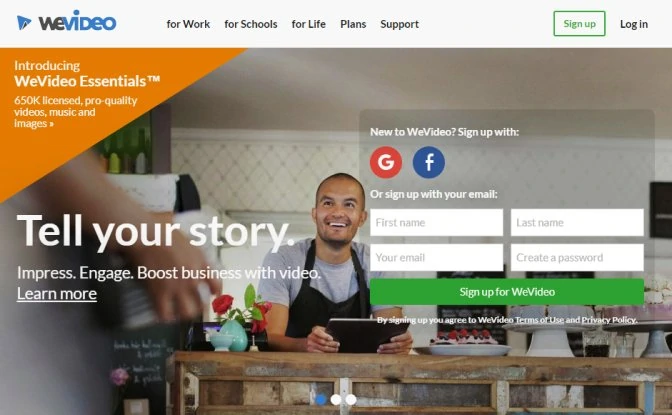 This free video creating software helps you make and edit quality YouTube videos. The interface of the program is easy to run and understand and allows you to perform editing functions like rotating a video clip and cropping it. Also, it has a wide range of effects that can be added to the video and has nice tools to add transitions between videos.
Platform: Online
Pros
- It provides good transition tools for better videos.
- It allows you add many effects to your video.
Cons
- It leaves a watermark after editing your video.
- It allows only 2GB of storage space.
Loopster
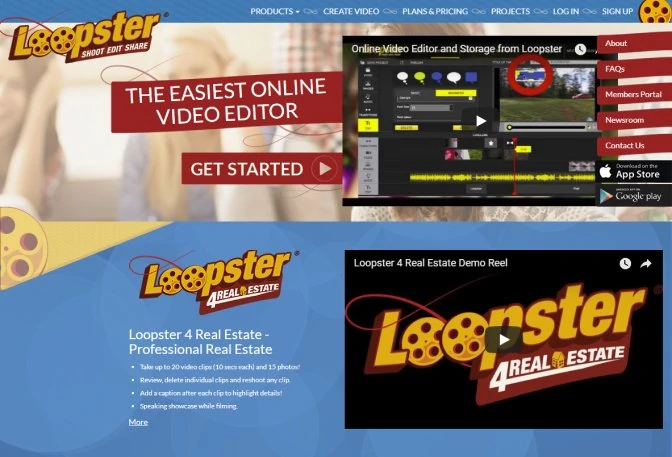 Loopster does a good job of making and editing YouTube videos for video creators and has an easy to understand interface which is not complicated for a first-time user. With Loopster, you can add text to video, trim the present video you’re working on, add more videos and even work with audio files. It also provides some transitions which you can use on your videos and it allows you to download the videos you have edited.
Platform: Online
Pros
- It has a clean and user-friendly interface.
- It allows you to add or crop videos while editing.
Cons
- It doesn’t provide many editing tools to work with.
- It has limited transition options.
Video Toolbox
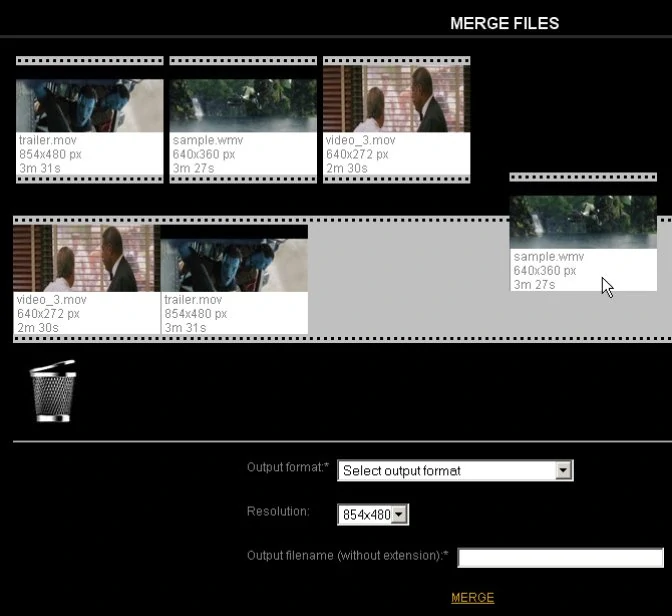 Video Toolbox is an online YouTube video creator software that is easy to use and at the same time, allows you to create videos with high quality. With it, you can edit videos to your preference by cutting them and merging different videos. All you need to do is to upload the video clip you want to edit to the software and get to work making it look nice and ready to be put on YouTube.
Platform: Online
Pros
- You can cut, trim and merge videos with it.
- It provides an easy user interface to work with.
Cons
- It doesn’t have a proper preview tool.
- Editing tools are limited to a few options.
Windows Movie Maker
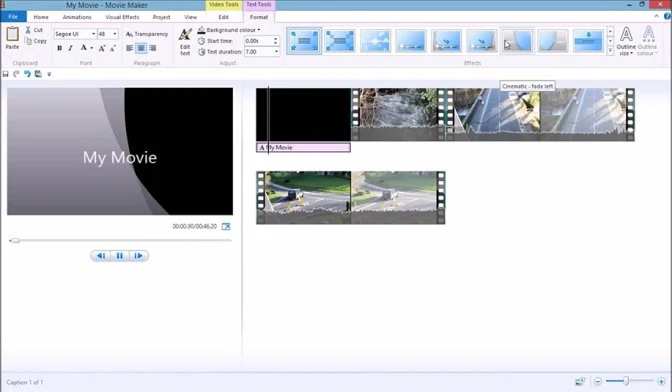 Windows Movie Maker is a free video maker that provides a lot of functions to details and allows you to edit your video clip thoroughly. It has a built-in recording button that allows you to add voice over perfectly in the video you are editing.
Platform: Windows
Pros
- It has a built-in recorder to add voiceovers to videos.
- It provides a wide range of effects to use when making videos.
Cons
- It does not allow you to add or work on more than one video at a time.
- It doesn’t offer many animations and effect tools for YouTube videos.
- You can't get the program from the Microsoft website because the company stopped to distribute the app.
Lightworks
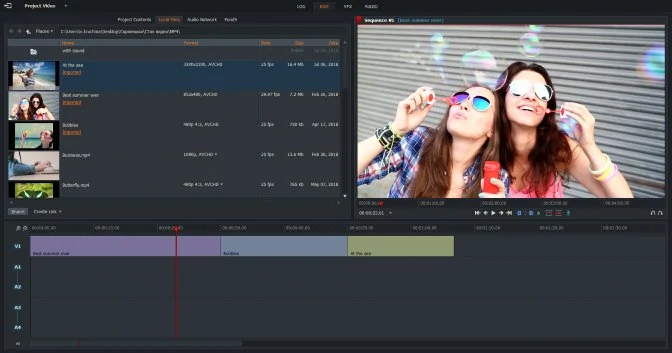 This is one of the best YouTube video makers as it allows you to create customized videos with top-notch quality. It has a wide range of effects and allows you to crop, copy, trim, add more videos, and add text to videos. Also, it has nice tools to allow transitions to join two videos.
Platform: Windows, Mac, Linux
Pros
- It offers a wide range of editing tools and allows you to work on a professional level.
- It provides high-quality videos after editing.
Cons
- It doesn’t support multi-frame rate videos.
- The free version is limited to 720p output.
BlackMagic DaVinci Resolve 15
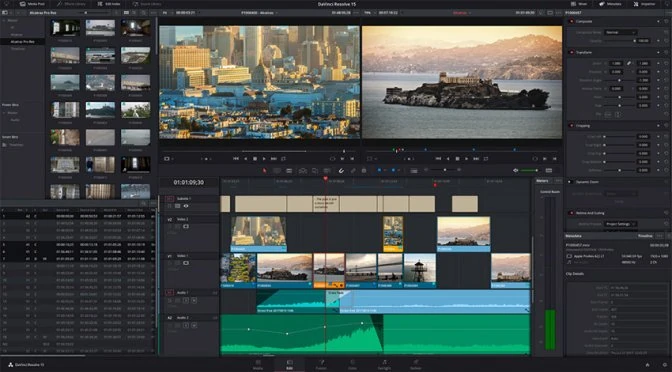 DaVinci Resolve is one of the best video creating programs. It offers a lot of features, a clear and flexible user interface and allows you to work with unlimited video and audio clips and provides editing at different levels from adding text or audio to a video to cropping, trimming and cutting videos. Simply put, it provides a wide range of tools for editing videos properly.
Platform: Windows, Mac, Linux
Pros
- It doesn’t add a watermark to edited videos.
- It allows you to edit videos in a professional manner.
Cons
- You will need some training to be able to use the program properly.
- It demands high-performance computers to work properly.
Comments